
Feature Focus: Subfolder Permissions

admin

Build your data room free for 14 days

caplinked blog post

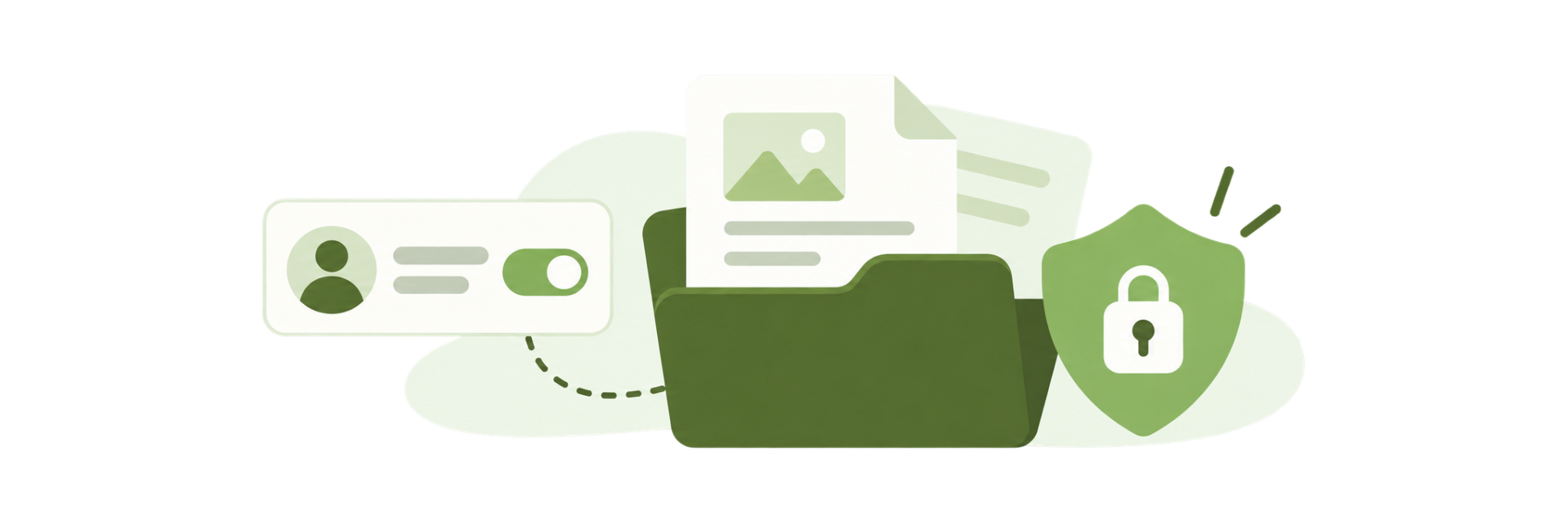
[vc_row][vc_column][vc_column_text]Subfolder permissions are here in your virtual data room! Workspace administrators can now change ‘View’, ‘Download’, and ‘Upload’ permissions at the subfolder level. These new permissions will provide administrators with  more granular control with regard to document access and more flexibility when creating their custom permissions groups.

caplinked-subfolder-permissions

You can learn how to set the new subfolder permissions at the following link: Setting Permissions

If you’d like to learn more about CapLinked, please visit our website or click below to get a demo of our software.
[/vc_column_text][dt_button el_class=”btn-margin” link=”/demo” size=”big”]Get a Demo[/dt_button][/vc_column][/vc_row]

admin

Table of Contents
A3f55.png

Want to run your next deal in CapLinked?

14 days, completely free, no credit card required

Enjoying this article?

Share it with the world!

Frequently Asked Questions

Unlock Our Ultimate Private Equity Model for Investors & CEOs

Get your editable copy of the PE model that went viral when we shared it to LinkedIn. 

✅ 5,800+ requests
✅ 1.27 million views
✅ 2,500 reactions from industry pros

Discover how top private equity investors analyze companies and make smart, high-impact investment decisions with this exclusive model.

Download your guide to smarter investments today!