Key Takeaways
- A digital data room is a secure online space for sharing confidential documents with people outside your company
- Digital, virtual, online and electronic data room all describe the same thing
- The difference from cloud storage is control after sharing, not encryption
- You set permissions per person and per folder, and you can withdraw access afterward
- Every view and download is recorded, which cloud storage does not do at document level
- Plenty of businesses do not need one, and this page says which
- The trigger is usually a transaction, an audit, or a regulator rather than a document volume
Table of Contents
ToggleA digital data room is a secure online space where a business stores confidential documents and shares them with outside parties under controlled access. The same product is also called a virtual data room, online data room or electronic data room. It differs from cloud storage in that permissions are set per person and per document, access can be withdrawn after a file is downloaded, and every view is recorded.
That last part is the whole product, and it is where most explanations go wrong. A data room is not a more secure Dropbox. Encryption is broadly comparable across both. What differs is what happens once someone has the file.
Which also decides whether you need one. If nothing confidential leaves your company, cloud storage is doing the job. The sections below cover the difference, how a room works, and the specific signals that mean the shared drive has stopped being adequate.
For the deeper technical explanation of the category, our virtual data room explainer covers the architecture in more detail than this page does.
Digital Data Room vs Cloud Storage
This comparison decides most purchases, so it belongs before anything else.
Consumer and business cloud storage is built for a team collaborating on shared files. A data room is built for a company disclosing documents to outsiders who may not proceed. Those are different problems, and the second one needs controls the first has no reason to include.
| Cloud storage | Digital data room | |
|---|---|---|
| Permission granularity | Usually per folder, sometimes per file | Per person and per folder, with view, download, edit and print set separately |
| Control after download | None. The file is theirs | Access to a downloaded file can be revoked |
| Access record | Link-level at best | Document-level log of every view and download, exportable |
| Watermarking | Not standard | Dynamic, carrying the viewer’s identity across each page |
| Removing a party | Delete the link, hope no copies exist | Revoke the group, including files already taken |
| Q&A handling | Email or a separate chat tool | Threaded against the document in question |
| Built for | Internal collaboration | Disclosure to outside parties |
The row that matters most is the second one. Send a link to a shared drive and the recipient can download, keep and forward the file indefinitely. Every other difference follows from that one.
None of this makes cloud storage bad. It makes it the wrong tool for a specific job, which is a different claim.
How a Digital Data Room Works
Five steps, and the order matters more than any of them individually.
- Build the folder structure first. Organized by who will review rather than by document type, so permissions can be set at folder level and inherited safely
- Upload the documents. Bulk upload with indexing, so a reviewer can search inside files rather than guessing from filenames
- Create permission groups. One group per party or per role. Assign to groups rather than individuals, or the model stops being auditable once you pass about fifty users
- Invite users into their group. They see only their folders. Parties who should not know about each other do not
- Monitor and adjust. Watch the activity log, widen access as a process progresses, and revoke it the day a party leaves
Step five is where most rooms fail, and it is not a software problem. Access granted correctly at kickoff is often wrong six weeks later because the stage changed and the permissions did not.
What a Digital Data Room Replaces
Digital data rooms replace older methods of storing and sharing confidential material, most of which are still in use somewhere in most companies.
- Storing documents in a file cabinet or another physical location
- Meeting in person in a secured area to review and sign confidential documents
- Emailing documents as PDF attachments
- Sending a link to a document held on a general file-sharing platform
The third and fourth are the live ones. Nobody is defending the filing cabinet in 2026, but emailed attachments and shared links are how most confidential documents still move, and both give away control at the moment of sending.
Signs Your Business Needs a Digital Data Room
Four signals, in rough order of how decisive they are.
- You are entering a transaction. A sale, an acquisition, a fundraise or a refinancing. Outside parties will request documents on a deadline, and several of them will not proceed
- An auditor or regulator is going to ask what you shared. If you cannot answer that from a record rather than from memory, you need the log
- Confidential material regularly goes to people outside the company. Advisers, contractors, partners, investors. Frequency matters more than volume here
- You handle data that carries an obligation. Personal data, health information, or anything covered by a client confidentiality clause. The obligation follows the document out of the building
When you probably do not need one
Worth saying plainly, because most content in this category will not.
If your confidential documents stay inside the company, if the only outside party you share with is your accountant once a year, if you are not facing a transaction or an audit, and if nothing you hold carries a regulatory obligation, then a shared drive with sensible permissions is doing the job. Buying a data room for that is buying controls you will not use.
The honest trigger is not company size or document count. It is the first time you need to give an outsider access to something and be able to take it back.
Common Use Cases
| Use case | What the room is doing |
|---|---|
| Mergers and acquisitions | Letting several bidders review the same documents without seeing each other, and withdrawing access when one drops out |
| Fundraising | Staged disclosure, so early investor conversations see less than committed ones |
| Audits and accounting | Scoped access for external auditors, plus the record of what was provided |
| Legal and compliance | Controlled disclosure with an evidentiary trail of who saw what and when |
| Life sciences and biotech | Protecting IP and clinical data while a partner or acquirer evaluates it |
| Bankruptcy and restructuring | Coordinating disclosure across creditors, advisers and the court |
Detailed guidance exists for several of these, including use cases for virtual data rooms and data rooms in bankruptcy.
Why Choose CapLinked as Your Digital Data Room
Permissions are set per folder with files private by default, covering view, edit, upload and download separately. FileProtect rights management restricts printing, copying and forwarding, and revokes access to documents already downloaded, which is the control cloud storage cannot offer. Dynamic watermarks carry the viewer’s name, timestamp and IP address across each page.
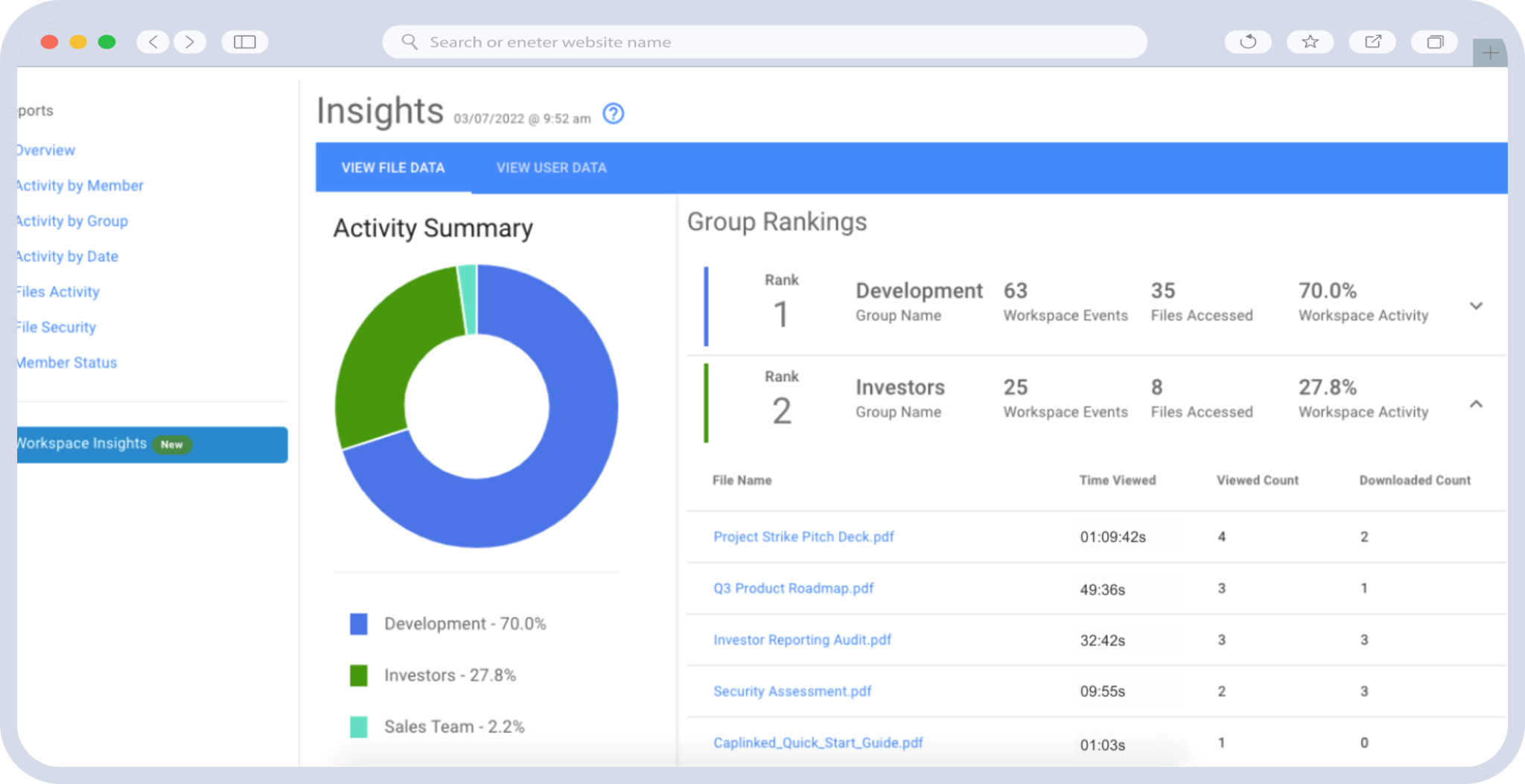
Activity Tracker records document-level views and downloads and the audit trail archives every interaction in a workspace, so the question of what a party was shown is answerable from a record. Secure document sharing keeps version history intact across the redrafting a live process generates.
Encryption is 256-bit AES at rest and TLS in transit, with independent SOC 2 assessment alongside ISO 27001, PCI SAQ-D and FISMA. The security detail separates which of those is a certification and which is an assessment, since the terms get used interchangeably across this category.
There are two service tiers, one for smaller teams and one for enterprise organizations, and pricing is published rather than quote-gated. A 14-day free trial is available without a sales conversation, which lets you test the permission model against a real folder structure before committing.
| Want to test the permission model against your own folder structure first? |
Digital Data Room FAQ
What is a digital data room?
A secure online space for storing confidential documents and sharing them with outside parties under controlled access. Permissions are set per person and per document, and every view is recorded.
Is a digital data room the same as a virtual data room?
Yes. Digital data room, virtual data room, online data room and electronic data room all describe the same product. VDR is the most common term in transaction work.
What is the difference between a digital data room and Google Drive?
Control after sharing. Cloud storage cannot revoke a downloaded file, set permissions per person and document type, or produce a document-level record of who viewed what. Encryption is broadly comparable.
How much does a digital data room cost?
Pricing varies by provider and by the features included. Look for published pricing rather than quote-only, and check whether rights management and audit trails are on the entry tier or reserved for enterprise.
Who needs a digital data room?
Businesses entering a transaction, facing an audit, regularly sharing confidential material outside the company, or handling regulated data. If none of those apply, a shared drive with good permissions is adequate.
Is a digital data room hard to set up?
The software is not the difficult part. Deciding the folder structure and which group sees which folder before anyone is invited is where the work sits, and doing it afterward causes most problems.
Can a small business use a digital data room?
Yes, and the trigger is a situation rather than a size. A ten-person company running a fundraise has the same disclosure problem as a large one, on a smaller document set.